01
Receive what you ordered.
Keep purchase orders and deliveries together. Stock changes when the goods arrive, with partial receipts tracked along the way.
PURCHASE ORDERS → RECEIPTSBuilt for the work behind your business
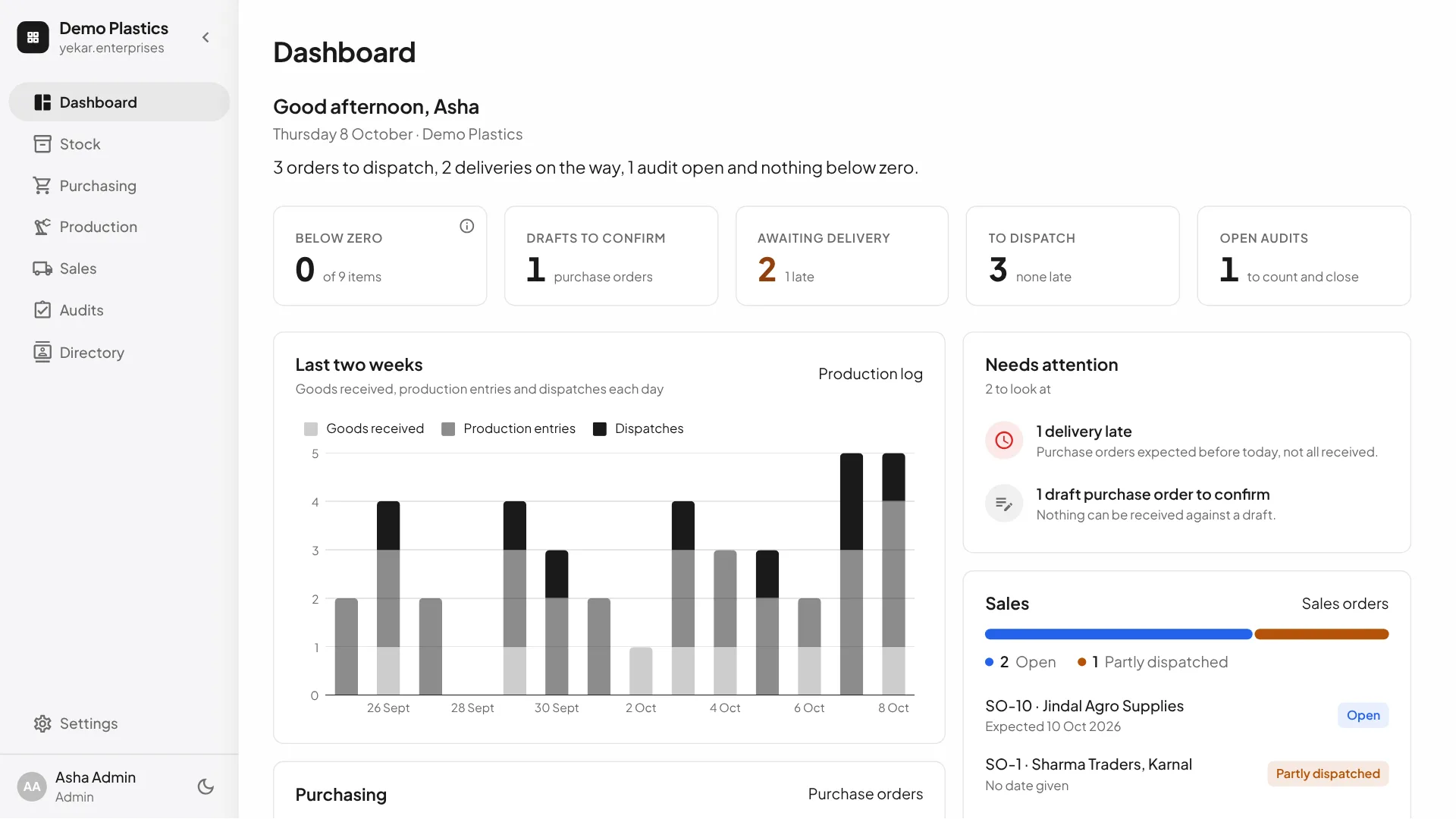
Purchases, production, dispatches and physical counts. One connected view of what comes in, what you make, and what goes out.
A modular ERP. Starting with inventory.
ILLUSTRATIVE WORKFLOW · SAMPLE DATA
ONE CONNECTED WORKFLOW
A delivery received, a production entry that takes its materials, an order dispatched and a count closed. A minute and a quarter in the real app, with a demo business and sample data.
The video couldn't load. Try again or open the video.
The whole inventory journey
Different teams. Connected work.
Every step feeds the same stock record.
Keep purchase orders and deliveries together. Stock changes when the goods arrive, with partial receipts tracked along the way.
PURCHASE ORDERS → RECEIPTSTurn recipes into production entries. Inputs come out of stock and finished quantities go in, for manufacturing and packaging.
RECIPES → PRODUCTIONRecord dispatches against sales orders. See what has left and what still needs to ship, without losing track of a partial delivery.
SALES ORDERS → DISPATCHESSchedule physical audits, count what is really there, and review the difference against calculated stock before closing the audit.
PHYSICAL COUNTS → VARIANCEYour business, your way
Start with the way your team works today. Keep the details that matter as your operation grows.
Built around your businessConnected to Yekar.AI
Put AI to work on the paperwork.
Keep your people in charge of the stock.
With Yekar.AI configured, extract purchase-order lines from a document. Your team checks the items and quantities, then confirms the order.
Export closed audit results with movement and recipe context for analysis in Yekar.AI. Bring better questions to the next stock review.
Document lines, brought together.
Check the items, units and quantities.
Illustrative extraction · sample data
Your team records stock changes. AI never changes stock directly.
The Inventory module connects purchasing, receipts, manufacturing and packaging recipes, production entries, sales orders, dispatches, physical audits and stock variance. It tracks quantities. Costing, accounting and invoicing are outside the current scope.
With Yekar.AI configured, an agent can extract purchase-order lines for your team to review. Closed audit results can be exported with movement and recipe context for analysis in Yekar.AI. People confirm orders and record receipts; AI never changes stock directly.
Yes. The browser interface supports phones, including physical counting. An Android and iOS app also provides the same work areas and records with navigation suited to phones and tablets. Talk to the team about deployment for your business.
No. Each business starts with a default location. Add locations when you need to track stock across warehouses, sheds or work areas. Your team sees location choices only when there is more than one.
Posted receipts, production entries and dispatches keep their history. An admin can reverse an incorrect entry and record the correction. The original entry remains part of the stock record.
Start with a clearer picture
Bring your purchasing, production and dispatch teams
into one connected inventory workflow.